

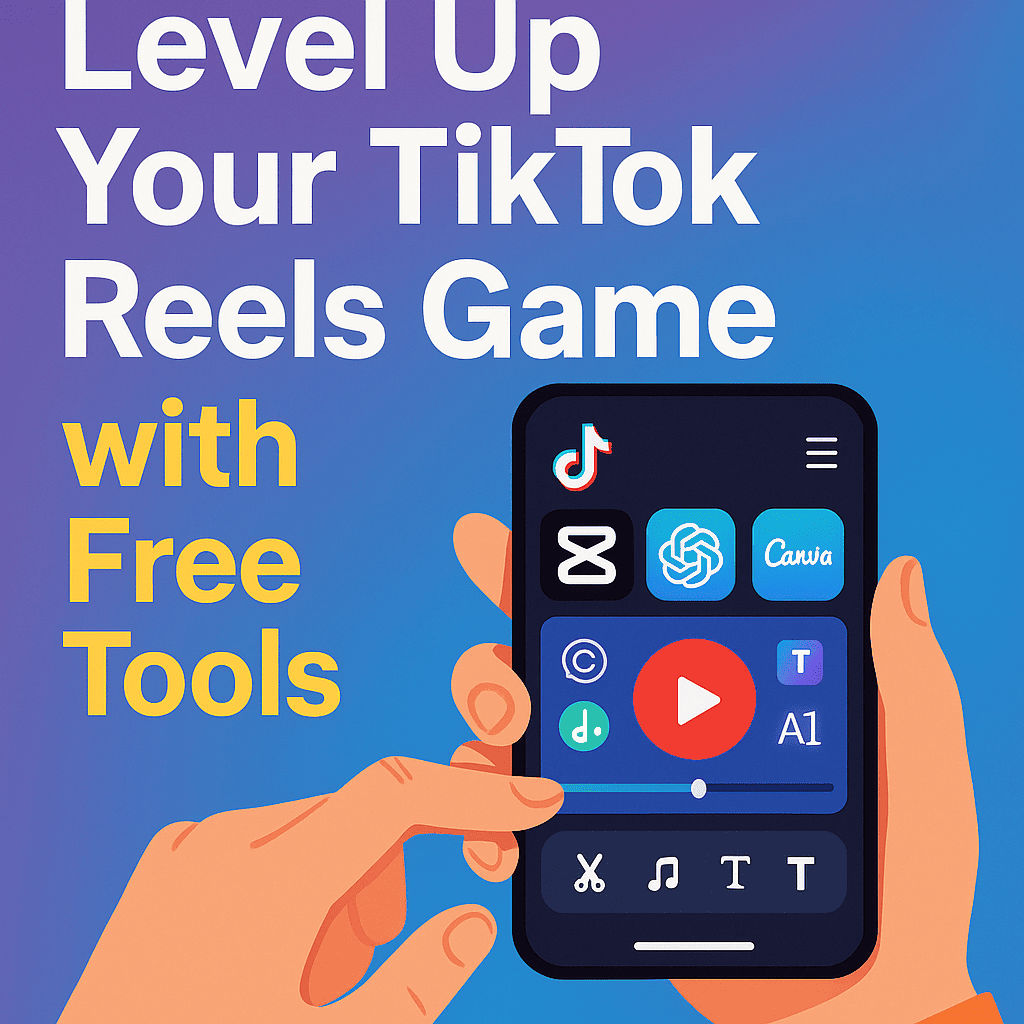
Free vs Paid Tools for TikTok Creators – Discover real-world differences, best free apps, and when to upgrade. A must-read for creators in 2025.
Introduction: The Big Dilemma Among Content Creators
If you’ve ever tried creating a high‑quality TikTok or Instagram Reels video, you’ve probably asked yourself: “Should I stick to free tools, or is it worth paying for premium features?” This is a dilemma nearly every modern creator faces.
Why the Tools You Choose Matter More Than Ever
In 2025, content creation is more competitive than ever. TikTok’s algorithm now favors fast‑loading, high‑resolution videos, engaging intros within the first 3 seconds, and clean transitions. You need the right tools to hit all of those metrics—without wasting hours editing or risking copyright issues.
Criteria to Compare: Free vs Paid Tool Features
1. Features & Limitations
Free tools often have limited export quality, basic templates, and watermarks. Paid tools usually unlock high-res export (up to 4K), advanced filters, and exclusive transitions.
2. Branding Impact
A watermark or low-quality thumbnail might hurt your credibility. Paid tools give a polished finish—essential for building trust.
3. Licensing & Copyright Risks
Many free music sources are risky if not verified. Paid tools like Epidemic Sound offer full licensing, protecting your content from takedown.
Best Free Tools Every TikTok Creator Should Use
CapCut (Free Version)
Watermark‑free, built‑in effects, transitions, AI captioning, and direct export to TikTok.
Canva (Free Plan)
Create thumbnails, intro slides, and captions; includes 250,000+ free templates—ideal for brand consistency.
ChatGPT Free
Great for writing hooks, captions, hashtags, and video scripts using GPT‑3.5 for free via OpenAI.
VN Video Editor
No watermark, pro‑level timeline editing, and support for music, overlays, and transitions.
TikTok’s Native Editor
Easy to use, with smart auto-cut, filters, and sounds—perfect for quick posting.

Premium Tools Worth Exploring (If You’re Ready)
Canva Pro
Premium fonts, brand kit, magic resize, and background remover features.
Epidemic Sound
Huge library of royalty-free music legal for monetized content, categorized by mood and tempo.
ChatGPT Plus
Access GPT‑4 for accurate, creative scripts and better performance during high usage.
Adobe Express Premium
Advanced design with more storage, export formats, and cloud sync across devices.
Comparison Table: Free vs Paid TikTok Tools
| Tool | Free Version | Paid Version |
|---|---|---|
| CapCut | No watermark | No paid version |
| Canva | Templates & basic assets | Pro assets, brand kit |
| ChatGPT | GPT‑3.5 | GPT‑4 access |
| VN Editor | Full toolset | No paid tier |
| Epidemic Sound | – | Full music licensing |
| TikTok Editor | Free & native | No paid tier |
When Should You Consider Upgrading?
If you’re posting 3–5 videos per week, paid tools will significantly save you time. Creators aiming for monetization, brand partnerships, or efficiency may find premium tools worthwhile. When manual editing slows your workflow, a premium subscription can streamline everything.
Smart Budgeting: Maximize Free Tools First
Use Trials Strategically
Take advantage of trials: Canva Pro (30-day), Epidemic Sound (14-30 days), Adobe Express (14-day). Bulk-produce content and evaluate before committing.
Explore Lifetime Free Tools
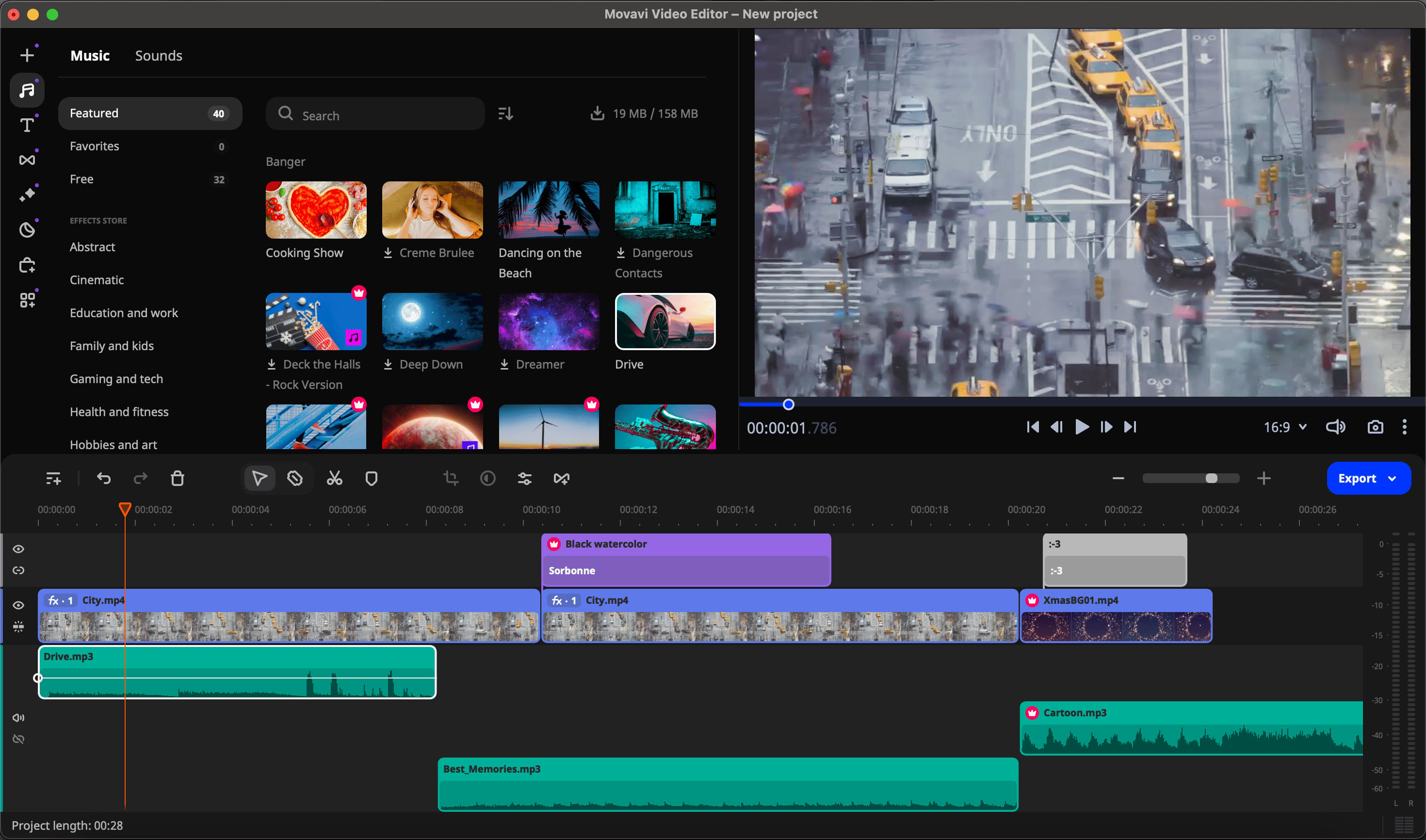
CapCut, VN Editor, and TikTok’s native editor offer nearly pro-level editing for free. Combine them for a powerful workflow without spending.
Case Study: Viral Creators Using Only Free Tools
Meet Andre, a 22‑year‑old creator who gained 150K followers in 4 months using only free tools: CapCut for editing, Canva Free for thumbnails, and ChatGPT Free for captions. His videos averaged 10K+ views each. The secret? Consistency, creativity, and strategic tool usage.
For a full breakdown of the tools mentioned and tutorials for each, check out our master guide: Level Up Your TikTok & Reels Game with These Tools
Conclusion: Which Tools Are Truly Worth It?
Free tools are more powerful than ever in 2025, especially for beginners and budget-conscious creators. CapCut, VN, Canva Free, and ChatGPT Free provide excellent core functionality. But if you’re focused on professional polish or rapid content growth, premium tools like Canva Pro and ChatGPT Plus can amplify your output.
Start free, grow smart, and upgrade only when it fits your goals.
FAQs: Free vs Paid TikTok Tools
Are free tools enough to go viral on TikTok?
Yes! Content quality, timing, and hook matter more than premium tools.
Can I legally use music from free tools?
Only if it’s royalty-free or properly licensed. Be cautious with unofficial “free” music downloads.
Do paid tools increase video views?
Indirectly—better polish and production quality can boost engagement, but content strategy remains key.
Is CapCut watermark-free?
Yes. CapCut allows watermark-free exports even in the free version.
Should I upgrade to ChatGPT Plus for script writing?
Only if you create content daily and need stronger language support or more creative hooks.
What’s the best strategy for beginner creators?
Use free tools consistently, focus on content quality, frequency, and upgrade when you're ready to scale.

Thank you for your comment! Please keep it respectful and relevant